

Hello friends, welcome to My B21 Tech. Today we know how to apply for YouTube monetization. This information is important for newly creator who want to earn money from YouTube channel. Let's start and get more information related to YouTube channel monetization. https://youtu.be/9TWZFDQQ9mw
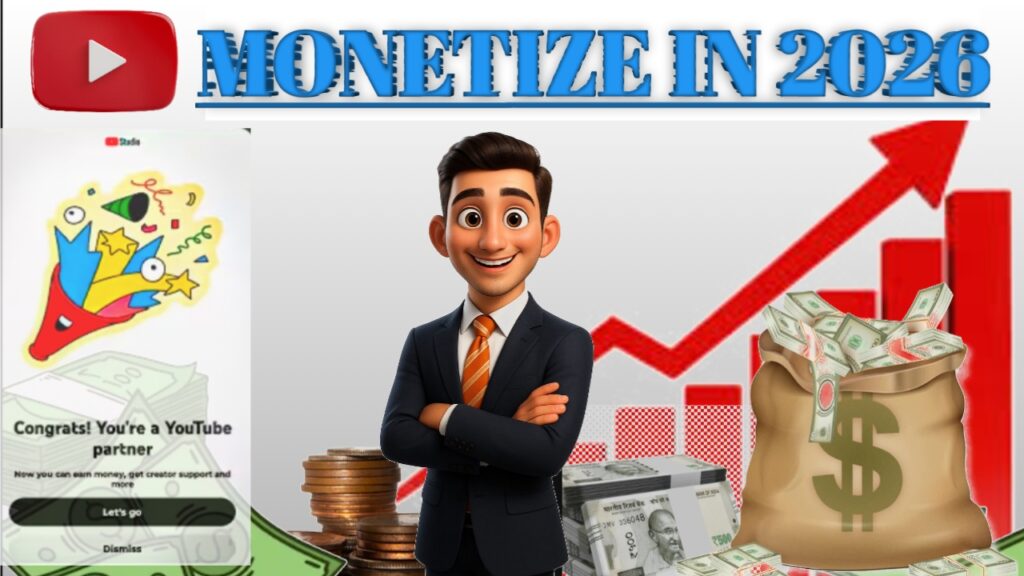
Monatize YouTube Channel in 2026
Eligibility criteria
- If you complete YouTube channel minimum eligibility criteria. You can easily follow over steps and apply for monetization.
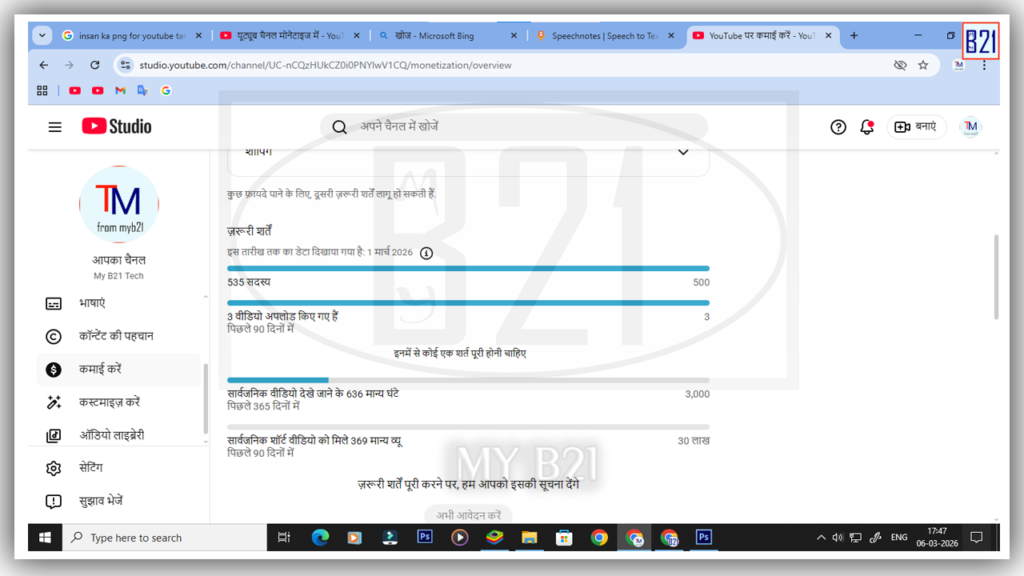
* if you are eligible for apply YouTube monetization you can proceed some steps are given below.
How to enable and apply for YouTube monetization?
- Go to YT Studio (desktop and mobile application)
- Click on earning section
- Check your monetization criteria (if you complete monetization criteria you can see “apply” button)
When you click on apply button you can see three steps-
- Step 1. Read terms and condition click ok.
- Step 2. Sign up for AdSense – by clicking ‘start’ button
a. Already have AdSense, (you can connect your existing adsence account by providing option). | because one user, one AdSense, with one address, policy
b. If you don't have any AdSense account, you can click second option and create new AdSense account for your YouTube channel.
How to Monetize Your YouTube Videos in 2026 – 3 Easy Steps
Now “I have no any AdSense account or I want to create new AdSense account” I go with first option , I want to create new AdSense account for my YouTube channel.
- Now new AdSense creation page display. You can easily create adSense account with fill your detail according or tutorial.
When you click submit button, you can easily redirect on YouTube. You can see in your earning section, step to is go on "in process"
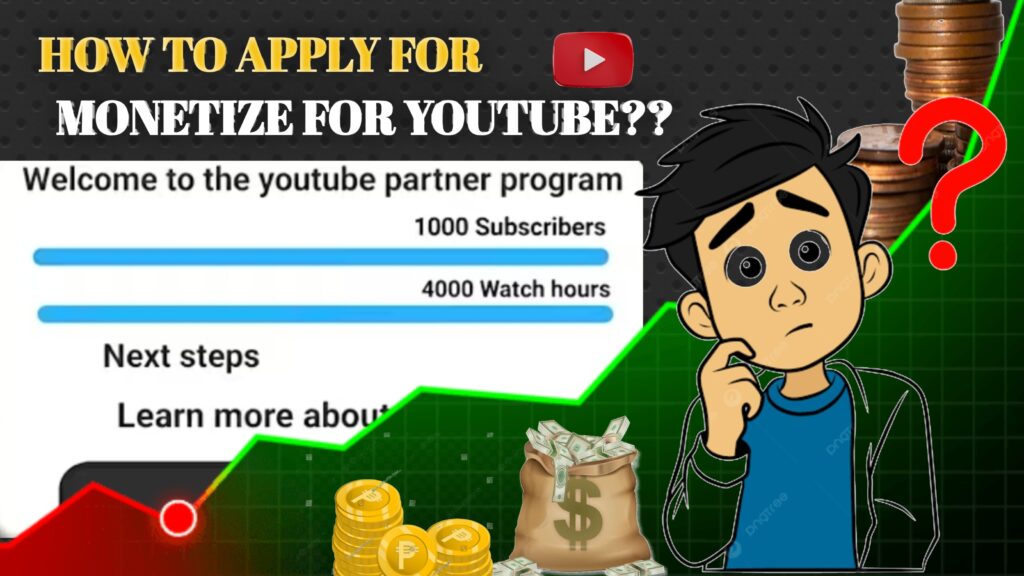
How to Get YouTube Monetization (Complete Guide)
- when step to complete automatically step 3 starts and complete. When both steps are complete a email sent on your inbox by YouTube.
YouTube Channel Grow – FaQ
- Meri channel mein 1k ke subscriber aur 4K watch time complete ho gaya hai per monetizing ke liye apply now button show nahi hua hai pata nahin kyon
- Hello Bhaiya Mera step 2 Me mistake ho gaya hai usko Kaise Sudhar Kare bhaiya please help me bhaiya
- Sir my YouTube channel monetization step 3 under review problem please solve
- 3000 aur 4000 Kis Me apply Kare please reply
- Bhai ek question hai 1 k subscriber ho gaya ek hi shot Me 1.5 milian views a Gaya 3000 watch time bhi Hai lekin abhi monetize watch time update Nahin Hua Hai
- 2 step ke bad 3 step Me Kuchh karna hota hai ya automatic ho jata hai
- Sar 18 se kam yers wale ka channel monetization kaise hoga aur kya lagega Uspar ek video bnao
- Monetization on karne ke bad bhi add Nahin aa Raha Hai video pe please help
YouTube Channel Grow Tips
- How to Monetize Your YouTube Videos in 2026 – 3 Easy Steps,
- How to Get YouTube Monetization (Complete Guide),
- YouTube monetization requirements,
- How to apply for YouTube Monetization,
- YouTube Partner Program,
- Monetization YouTube Studio,
- How to monetize YouTube channel on mobile,
- How to turn on monetization on YouTube Shorts,
- YouTube Partner Program monetization,
- Monetize YouTube channel free,


Pingback: ED drug medical restrictions
Pingback: can flagyl cause hives
Pingback: finpecia
Pingback: finasteride 2 months
Pingback: ozempic semaglutide injection price in india